How to Choose the Best Google Reviews Widget: A Buyer's Scorecard
A weighted scorecard for finding the best Google reviews widget for your site, a 30-minute test you can run on any tool, the red flags to walk away from, and how ReviewPine scores.
On this page
- First, know which kind of tool you are looking at
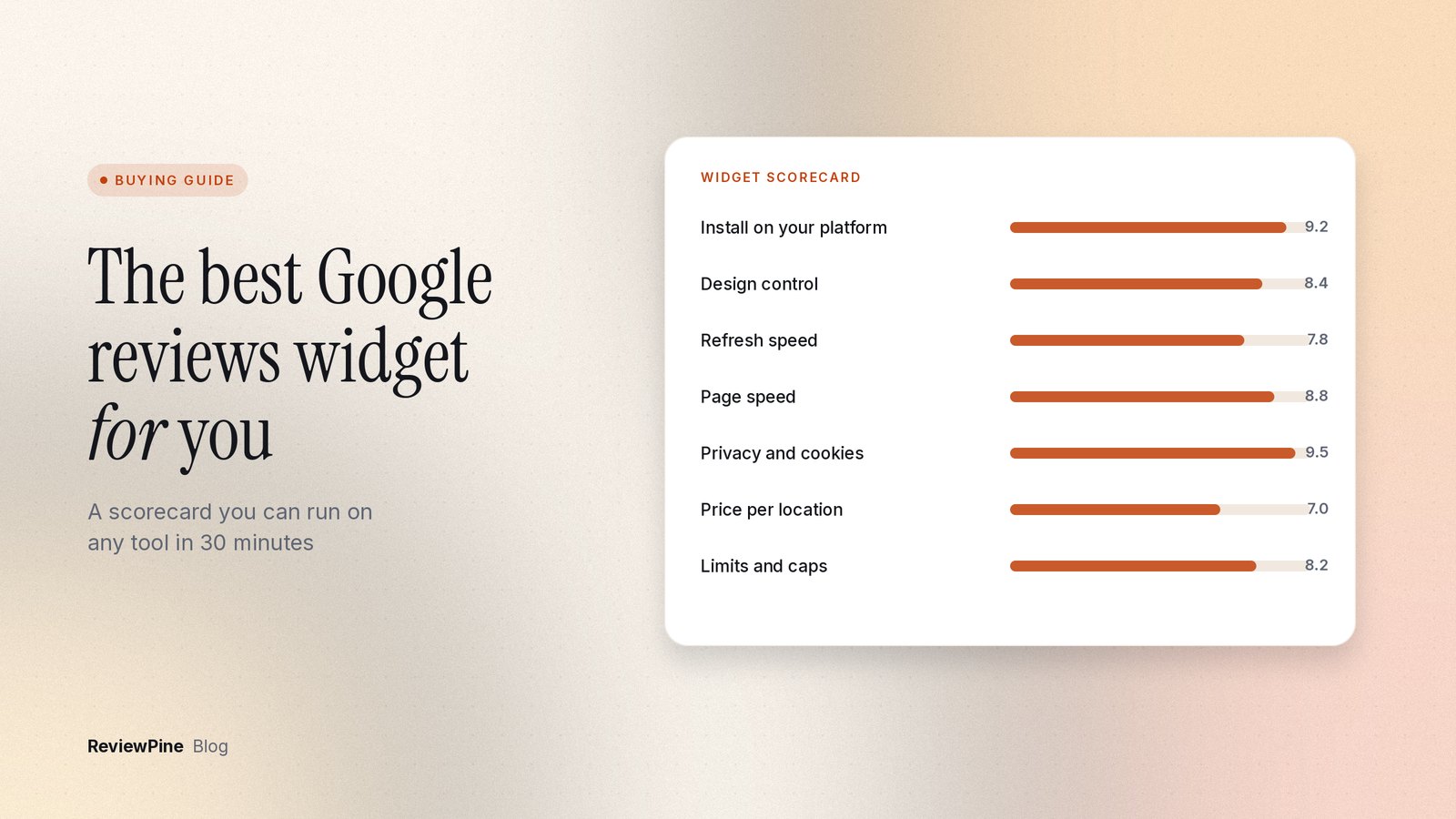
- The best Google reviews widget scorecard: eight weighted criteria
- How to test any widget in 30 minutes
- Red flags that should end the trial
- How ReviewPine scores on the same card
- When ReviewPine is the wrong choice
- Which approach fits which situation
- Run the scorecard on ReviewPine
Key takeaways
- The best Google reviews widget depends on your situation, so score every candidate on the same weighted criteria.
- Freshness, site fit, page speed and pricing model carry the most weight for most small businesses.
- Test each tool on your real site in about 30 minutes: connect, install, phone check, speed, cookies, keyboard, small print.
- No widget can legitimately give a business review stars in Google search for its own reviews.
- ReviewPine shows Google reviews only, one business per widget, billed yearly, with unlimited views on every plan.
The best Google reviews widget is the one that shows your real, current Google reviews on the pages where people decide, without slowing those pages, tracking your visitors, or charging you more when traffic grows. There is no single winner. A plumber with one location and an agency with 40 clients need different things, so the useful answer is a method: score every candidate on the same criteria, run the same short test on your own site, and pick the highest total for your situation.
One disclosure first. We make ReviewPine, so we are not a neutral judge, and a ranked list of products from us would be us marking our own homework. This guide gives you the scorecard we would use if we were buying, a test you can run on any tool in about 30 minutes, and an honest score for ReviewPine, weak spots included. Google's own guidance on writing reviews asks reviewers to show evidence and cover drawbacks as well as benefits, and that is a fair standard for any comparison you read, ours included.
First, know which kind of tool you are looking at#
"Google reviews widget" covers five quite different approaches. Most comparison confusion comes from lining them up as if they were the same thing.
| Approach | How the reviews get onto your page | Usually good at | Usually the catch | Suits |
|---|---|---|---|---|
| Hosted widget | The provider imports your public reviews and serves them from its own servers; you paste one script | Works on any site builder, little upkeep | You depend on the provider's refresh schedule and pricing model | Most small businesses |
| WordPress plugin | Runs inside WordPress, often with your own API key or a connector account | Feels native in the WordPress admin | Only works on WordPress; some add weight to every page | WordPress-only sites with an admin who updates plugins |
| Multi-app widget suite | One subscription covers dozens of widget types, reviews being one | Many widget types under one bill | Plans are often capped by views, and review features can be shallow | Sites that need many unrelated widgets |
| Social proof platform | Collects and shows reviews from many sources, plus social feeds and requests | Many sources, review collection | Costs more and does far more than a Google-only need requires | Brands with reviews spread across many sites |
| DIY build on Google's Places API | Your developer calls Google's API and renders the result | Full control of the code | Google returns a maximum of 5 reviews per place (Places API reference, checked 23 October 2026), plus billing, keys and maintenance | Teams with a developer and modest needs |
Decide which column you are shopping in before you compare features. If you need reviews from five platforms, a Google-only widget is the wrong tool however well it scores below. Our older piece on the four ways to add Google reviews to a website covers the manual and API routes in more detail.
The best Google reviews widget scorecard: eight weighted criteria#
Score each candidate from 0 to 5 on every row, multiply by the weight, and divide by 5. A tool that scores 4 on freshness earns 4 × 20 ÷ 5 = 16 points. The maximum total is 100.
| # | Criterion | Weight | What to check | A 5 looks like |
|---|---|---|---|---|
| 1 | Freshness and review count | 20 | How often new reviews appear, how many it can show, whether it imports your history | New reviews daily, full history, you choose which show |
| 2 | Fit on your site | 15 | Works on your builder, layouts for each page type, mobile behavior | One code for every platform, a layout for each placement |
| 3 | Page speed behavior | 15 | Script size, async loading, lazy loading, reserved space | Small, async, loads near the viewport, no layout shift |
| 4 | Pricing model and limits | 15 | What you pay per (site, business, widget, view), renewal price, caps | Predictable price, no traffic caps, clear renewal |
| 5 | Design control | 10 | Colors, fonts, density, filters, pinning, custom CSS | Matches your brand without code |
| 6 | Visitor privacy | 10 | Cookies, local storage, tracking, third-party requests | No cookies or storage, nothing for your consent banner |
| 7 | Accessibility | 10 | Keyboard access, screen reader text, motion controls | Every control reachable, auto-play respects reduced motion |
| 8 | Exit and failure behavior | 5 | What visitors see if a plan lapses or the service fails | A small notice, never a broken box or a blank gap |
These weights are our opinion, not a law of nature. Change them before you start scoring, not after, so the numbers cannot drift toward the tool you already like:
- Agencies and multi-location businesses: raise pricing to 25, because cost per location decides the budget more than anything else.
- High-traffic or seasonal sites: raise pricing too, and read the view limits closely.
- Sites with visitors in the EU or UK: raise privacy to 15. A widget that sets cookies can change what your consent banner must cover.
- A single landing page that rarely changes: drop design to 5 and put the points into freshness.
Why does freshness carry the most weight? Because a widget showing reviews from last year undoes the reason you installed it. We go into the evidence on that in why review recency matters.
How to test any widget in 30 minutes#
Most options offer a free trial or a free plan. Use it on your real site, not on the vendor's demo page, where everything is tuned to look perfect. Put the widget on a staging copy or an unlinked page if you do not want visitors to see the test.
- Minutes 0 to 5: connect your business. Note what it asks for. Your Google account password is a red flag; a business name search or a Google Maps link is normal. Time how long it takes for the first reviews to appear, then compare the count with your Google Business Profile.
- Minutes 5 to 10: install on a real page. Use your builder's own element (Custom HTML in WordPress, Embed HTML in Wix, Code block in Squarespace, Embed in Webflow). Check the editor preview and the published page, because they often behave differently.
- Minutes 10 to 15: check it on a phone. Use the device toolbar in Chrome DevTools, then a real phone. Look for cut-off cards, text that overflows, and floating badges that cover your chat button or booking bar.
- Minutes 15 to 20: measure speed. Run PageSpeed Insights on the page with and without the widget. Then open DevTools, select the Network tab, reload, and type the vendor's domain into the filter box. Count the requests and the transferred size. Watch the page load: if content jumps down when the reviews appear, the widget is not reserving its space.
- Minutes 20 to 25: check privacy. In DevTools, open Application, then Storage, then Cookies, and select each origin listed (Chrome's guide, checked 23 October 2026). Do the same under Local storage. Anything from the widget's domain is something your privacy notice may need to mention.
- Minutes 25 to 28: keyboard and motion. Click in the address bar and press Tab repeatedly. You should be able to reach every arrow, button and link, and see where focus is. Then, in DevTools, open the Rendering panel and emulate
prefers-reduced-motion: reduce. Auto-playing sliders should stop. - Minutes 28 to 30: read the small print. Find the pricing unit, the view or traffic limit, what happens when you go over it, what happens when you stop paying, and the renewal price.
Write the score for each row as you go. Thirty minutes per tool is enough to compare three candidates in an afternoon.
Red flags that should end the trial#
- It promises review stars in Google search results. Google's rules make a business's pages ineligible for review stars when the reviews are about that business, including reviews shown "through an embedded third-party widget" (review snippet guidelines, checked 23 October 2026). We explain the rule in review schema and star ratings.
- It shows only five reviews and calls that a feature. That is the Places API ceiling, not a design choice.
- You cannot find out how often reviews refresh. If the vendor will not say, assume it is slow.
- The view limit is vague. "Generous limits" with no number and no description of what happens at the limit means you will find out the hard way.
- The widget disappears when a plan lapses. A blank gap on your homepage is worse than no widget at all.
- It sets cookies you did not expect. Not always a deal breaker, but it adds work to your consent setup.
- It offers ways to hide your real rating or only ask happy customers for reviews. Choosing which reviews to feature is normal; manipulating collection is not. See review gating for where the line sits.
How ReviewPine scores on the same card#
Here is our own product held to the same eight rows. We have kept the weak spots in, because you would find them in your trial anyway. The technical details behind the speed, privacy and accessibility rows are in our Help Centre pages on page speed and SEO, visitor privacy and accessibility.
| Criterion | How ReviewPine does | Where it is weaker |
|---|---|---|
| Freshness and count | Paid plans add new reviews daily, with a manual refresh once a day. The full history imports in the background and widgets can show up to several hundred recent reviews. | The Free plan shows only your 10 newest 4 and 5 star reviews, refreshed monthly. |
| Fit on your site | One line of code works on any builder; there is a WordPress plugin and a Shopify app. 21 layouts, from sliders and grids to floating badges. | No native Wix, Squarespace, Webflow or Framer apps (you paste the code). No npm package or React component. Floating layouts cannot float from inside an iframe-style embed box such as Wix Embed HTML. |
| Page speed | Loads async, about 29 KB compressed, reserves its height before loading, loads in-page layouts only when a visitor scrolls within about 600 px, fetches one JSON file. |
It is still a third-party script. Measure it on your own page, as in step 4. |
| Pricing and limits | Priced by number of businesses, billed yearly: Starter $19, Growth $49 (up to 5), Agency $129 (up to 25), checked 23 October 2026. Unlimited widgets per business and unlimited views on every plan. | Yearly billing only, so no month-to-month option. More than 25 businesses needs a custom quote. |
| Design control | Colors, fonts, corners, density, light and dark, filters, up to 10 pinned reviews, custom CSS inside the widget. | Free plan uses the standard design. |
| Visitor privacy | No cookies, no local storage or other browser storage, no tracking, no analytics. | Reviewer photos and the Google logo load from Google's image hosts, so visitors' browsers do contact Google domains. |
| Accessibility | Keyboard-reachable arrows and links, ratings announced as text, auto-play respects reduced motion and pauses on hover and focus. | Contrast is in your hands if you pick your own colors. |
| Exit behavior | If a plan ends, visitors see a small notice instead of a broken box, and one widget can stay live on the Free plan. | Nothing beyond the Free plan limits above. |
Beyond the scorecard, there are things ReviewPine simply does not do. It shows Google reviews only. One widget shows one business, so there is no merged multi-location feed. It does not send review requests or reply to reviews (there is a free Google review QR code tool for asking in person). There is no white-label dashboard, no team roles, and no review structured data, on purpose.
When ReviewPine is the wrong choice#
- You need reviews from Google plus other review sites or social feeds in one place. Look at a social proof platform.
- You want one widget that blends 30 locations into a single stream. Ours needs one widget per location.
- You want review request campaigns and reply tools in the same product.
- You need to pay monthly, or put your own brand on the dashboard for clients.
- You have a developer, need exactly five reviews, and want zero third-party code. A small Places API build may be enough.
Which approach fits which situation#
| Your situation | Weight to raise | Approach to start with |
|---|---|---|
| One location, any site builder, little time | Freshness, fit | Hosted widget |
| WordPress only, someone updates plugins monthly | Fit, speed | WordPress plugin or a hosted widget with a WordPress plugin |
| Agency with many client sites | Pricing per location | Hosted widget priced per business |
| Reviews spread across many platforms | Fit (sources) | Social proof platform |
| Needs many unrelated widgets (forms, feeds, popups) | Pricing, view limits | Widget suite, after checking its view caps |
| In-house developer, minimal needs | Speed, privacy | DIY on the Places API |
Run the scorecard on ReviewPine#
The fairest test is your own page. Start a 7-day free trial (every feature, no card), connect your business by name or Google Maps link, and work through the 30 minutes above. If you would rather look first, the customizer playground works without an account, and the pricing page lists every plan. For what a widget is and how it works under the hood, start with our Google reviews widget explainer.
Frequently asked questions
What is the best Google reviews widget for a small business?
Can I get the same result for free with Google's API?
Is a Google reviews widget the same as a WordPress review plugin?
How long should I trial a widget before deciding?
Will the widget I choose help my Google ranking?
Turn your Google reviews into your best salesperson
Show real, always-fresh Google reviews on any page of your website, with a "Review us on Google" button that brings in new ones. Set up in about two minutes.
- Works on WordPress, Shopify, Wix and any site
- Updates itself every day
- No cookies, no slowdown
Anjanee Shukla
Founder, Ainygo Technologies
Anjanee Shukla is the founder of Ainygo Technologies and has been working in the technology industry for over 15 years. He has helped businesses worldwide by developing more than 1,000 websites, web applications, and digital solutions. His expertise spans WordPress, web development, website maintenance, hosting, automation, and business technology. Through this blog, he shares practical advice, technical knowledge, and real-world solutions gained from years of hands-on experience.