Google Reviews Widget Alternatives: What to Check Before You Switch
Thinking about Google reviews widget alternatives? Name the problem you want fixed, check the few things that matter, then swap page by page. Plus the cases where staying is smarter.
On this page
Key takeaways
- Shop for the one thing you need fixed: view caps, branding, refresh speed, per-location pricing or design.
- Ask every tool, in writing, what happens at its usage limit and when you stop paying.
- Run the new widget on a draft page next to the old one before cancelling.
- Swap page by page, delete leftover site-wide scripts, purge caches, update the privacy notice.
- Stay put if you need several review sources, request campaigns, replies or white labelling.
When a client asks me to look at Google reviews widget alternatives, I ask what's wrong with the widget they have now. Usually it's one specific thing: a view cap that hides the reviews in busy months, a branding link that won't come off, new reviews turning up a week late, a price that multiplies with every location, or a design that never quite matches the site.
That one problem is what you shop for. Confirm the new tool fixes it on your real pages, then swap the code page by page so nothing goes blank in between.
I should say up front that we make ReviewPine, a hosted Google reviews widget. I'll point out where it fits and where it doesn't, and the questions below work on any tool, ours included.
Why people look for Google reviews widget alternatives#
Write down which of these is yours. It decides what you test.
Views ran out. Some tools price by monthly widget views. When a page gets more visitors than the plan allows, the widget may vanish, show a notice or nag you to upgrade. That's a bad trade for a business whose busiest weeks are exactly when new visitors need to see proof. Before you sign up anywhere, find out in writing what happens at the limit.
The branding won't go away. Free tiers nearly always carry a "powered by" link or logo, and on some tools it survives into the lower paid tiers too. If your brand guidelines (or a client's) say no third-party marks, check which plan removes them and what's left afterwards.
New reviews show up late. Refresh schedules run from monthly to daily, and some tools only update when you press a button. If a customer leaves a great review on Monday and your homepage still shows last month's reviews on Friday, the widget is doing half its job. Review recency explains why fresh reviews matter to visitors.
The price grows with every location. Tools charge per widget, per location, per view tier, or a flat tier covering a set number of businesses. A model that's cheap for one shop gets expensive fast for a franchise, or an agency with ten clients. Price it at the size you expect to be next year.
The design fights your site. Fonts you can't change. An iframe that doesn't resize on phones. Cards that pick up your theme's odd button styles. No dark mode. If you've spent an hour on custom CSS just to make reviews look normal, count that hour as part of the price.
One that's easy to miss is cookies. A widget that sets cookies or uses browser storage belongs in your cookie banner and privacy notice. If your current tool forced a consent prompt you otherwise wouldn't need, that alone is a fair reason to move.
Which kind of tool are you moving to?#
"Alternative" can mean another product of the same kind or a different approach altogether, and the approach changes more than the brand does.
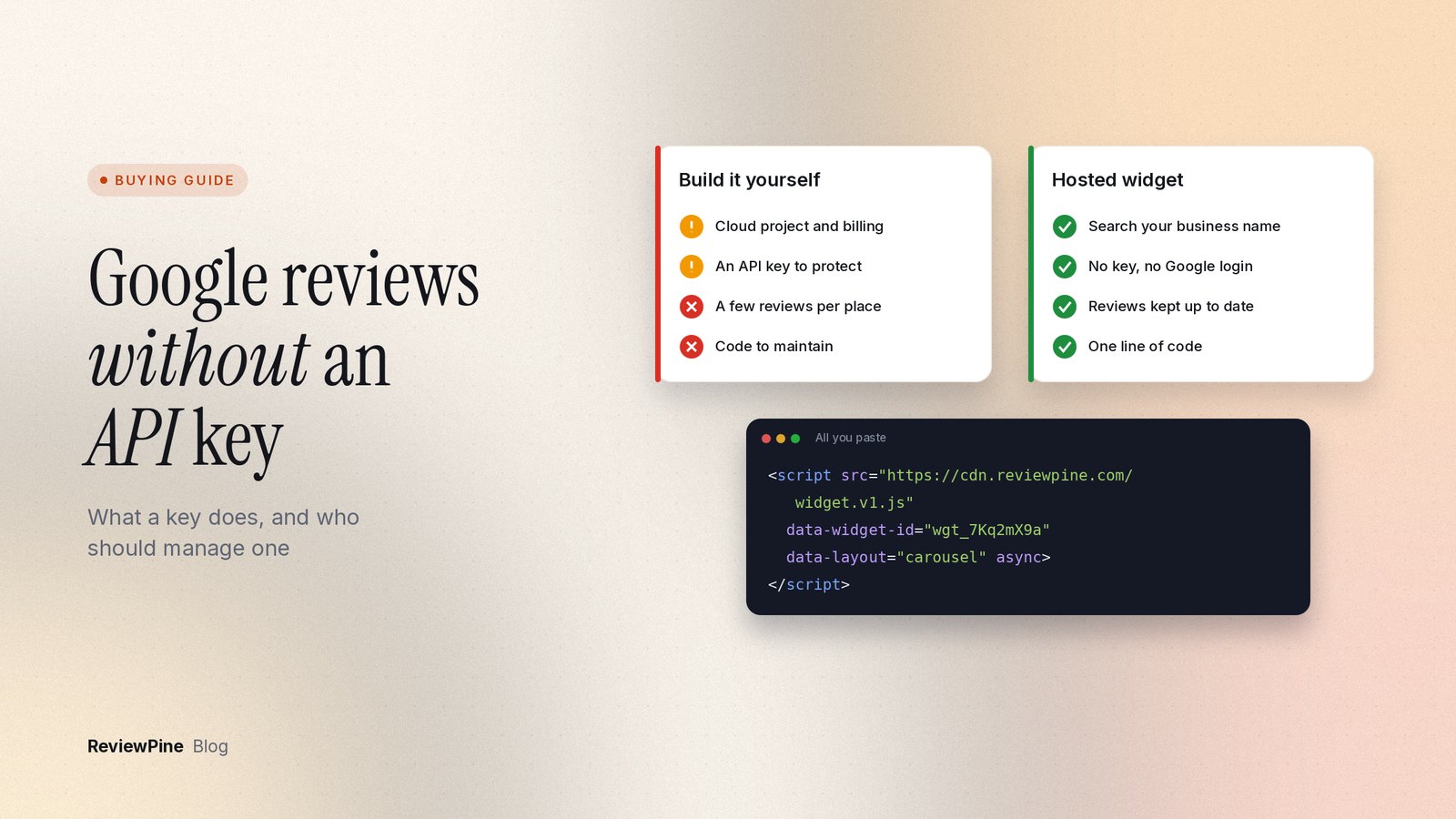
A WordPress plugin that uses your own Google API key stores reviews on your site, but you look after the key, the Google Cloud billing account and the plugin updates. Google's API also returns only a few reviews per place, and its caching and attribution rules become your problem. If that's what you're running and you're tired of the key, read showing Google reviews without an API key.
A plugin that connects to an outside service is still WordPress only, and now there are two moving parts: the plugin and the service account. Check the limits of both.
A hosted widget is a single script tag that works on any site accepting embed code, and you change the design in a dashboard. Upkeep is low. What matters is how the service behaves at your traffic and what it does when a plan lapses.
A multi-app widget suite also works anywhere with little upkeep, but its limits are often shared across every widget in the account, so your reviews can run out because of a chat button.
And then there's your own build on the Places API. Full control, highest upkeep: code, key, billing and every policy change are on you.
Questions I'd put to any alternative#
Run every tool on your shortlist through these. I've filled in ReviewPine's answers so you can see what a concrete answer looks like; prices checked 23 October 2026.
| Question | Why it matters | ReviewPine's answer |
|---|---|---|
| What happens when traffic spikes? | A widget that disappears on a busy day costs you trust when it counts | Unlimited views on every plan, no traffic caps |
| Which plan removes the vendor branding? | Some plans keep a "powered by" mark | Free shows a small "Free widget by ReviewPine" link; paid plans show none |
| How fast do new reviews appear? | Stale reviews make a business look like it peaked | Paid plans add new reviews daily, plus a manual refresh once a day; Free refreshes monthly |
| How is the price counted? | Per-location and per-view models scale differently | By business, billed yearly: Starter $19 (1 business), Growth $49 (up to 5), Agency $149 (up to 25) |
| How many reviews can it show? | Some tools only show a small sample | Paid plans show your most recent reviews, up to several hundred per business |
| Does it need your Google login or an API key? | Access requests and keys are extra admin and risk | No: you add the business by name search or Google Maps link |
| Does it set cookies or use browser storage? | Cookies change your consent setup | No cookies, no browser storage, no tracking |
| Does it slow the page or shift the layout? | Layout shift annoys visitors | Loads async, reserves its height first, and in-page layouts load only when a visitor scrolls near them |
| What do visitors see if you stop paying? | A broken box looks worse than no reviews | One widget stays live on the Free plan; others show a small notice, not a broken box |
| Does it work on your builder? | Some tools are tied to one platform | One script for any site, a WordPress plugin and a new Shopify app (it may not be listed yet); Wix, Squarespace, Webflow and Framer use the embed code |
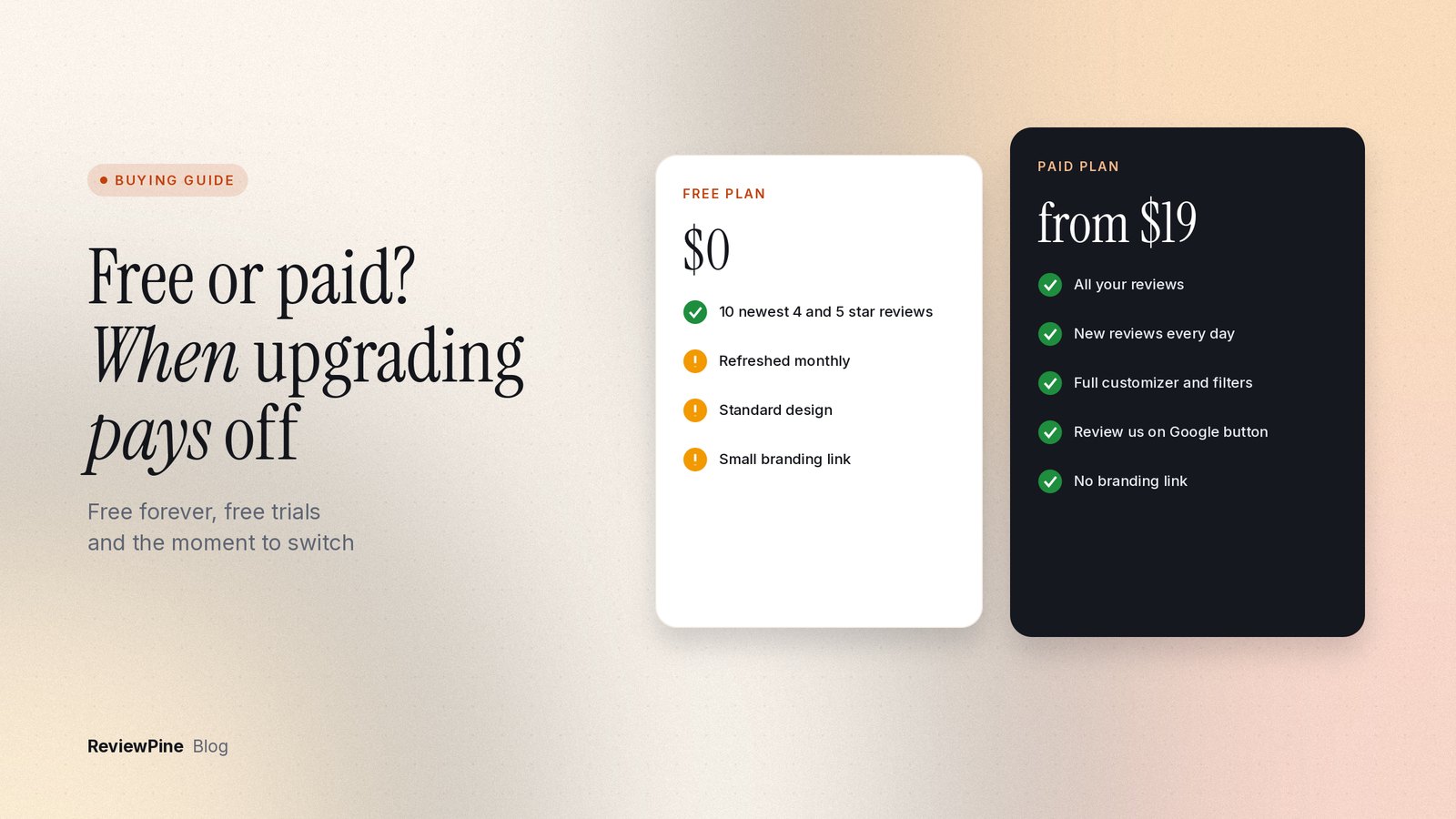
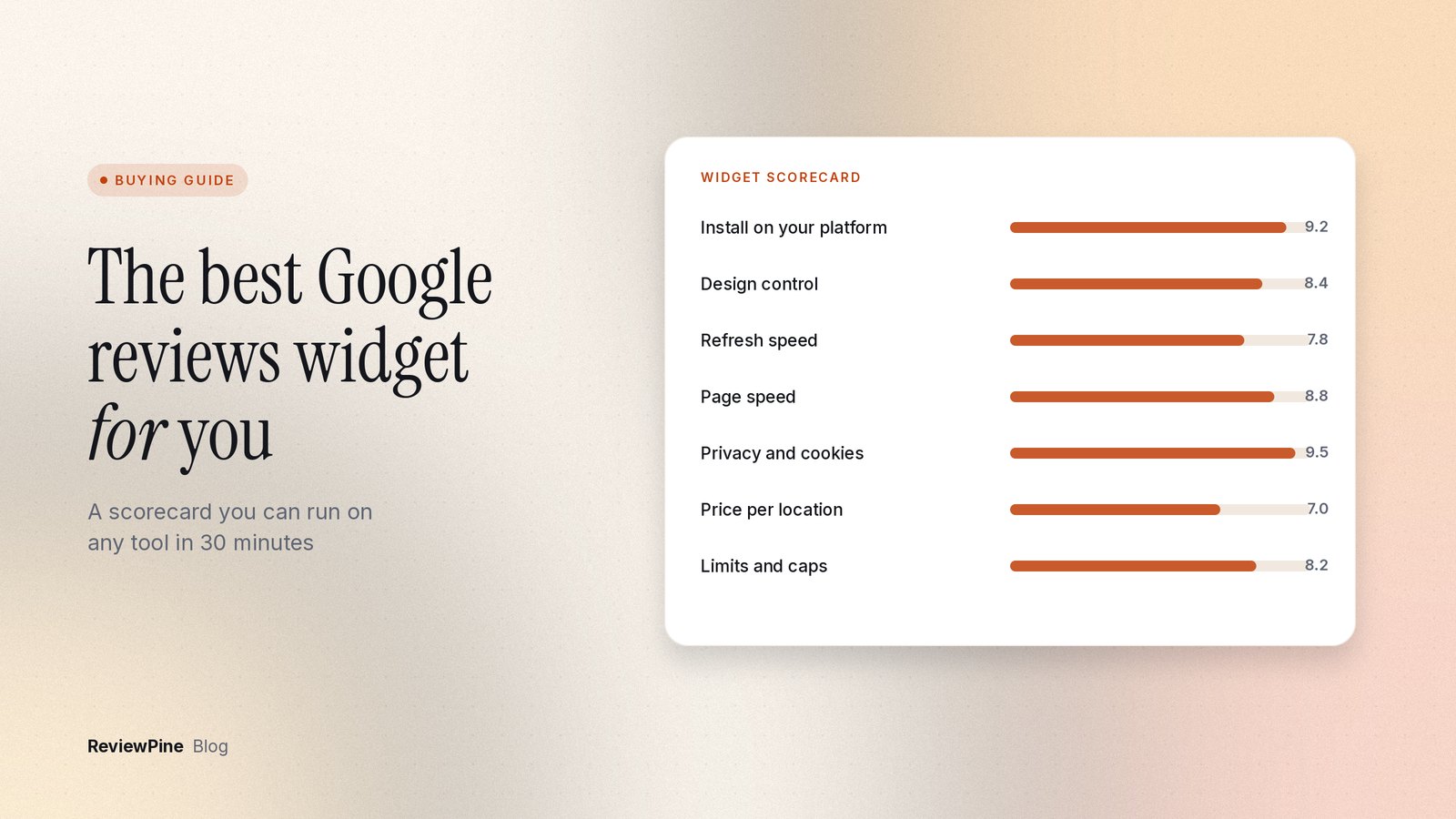
For a weighted version of this list, use the buyer's scorecard for choosing a Google reviews widget. If price is the real question, free vs paid Google reviews widgets shows what a free plan actually includes.
Run both for a few days before you cancel anything#
- Start a trial. ReviewPine's runs 7 days with every layout and the full customizer and no card.
- Add your business by searching its name or pasting its Google Maps link. The newest reviews arrive in a minute or two and the rest follows in the background.
- Build the same layout you use now and paste the code on a hidden or draft page. Getting your embed code shows where it is.
- Open that page on a phone. Look at card width, the arrows, and how long reviews get cut off.
- Run PageSpeed Insights on the draft page with each widget and compare the two reports. Don't take anyone's speed claims on trust, ours included.
- Open your browser's developer tools, go to the storage or application panel, and see which cookies each widget sets.
Important: Your Google reviews don't move when you switch widgets. They stay on your Google Business Profile. The widget only changes how they're shown on your site.
The swap itself#
On a small site this takes an afternoon. Do it in this order.
- Find every place the old code lives. Search your theme, page builder templates, global blocks and site-wide code areas (header, footer, custom code settings) for the old tool's script address. Floating badges nearly always sit in site-wide code, not on a page.
- Write down what you have: layout per page, minimum rating, sort order, pinned reviews, heading text, colors, button text.
- Recreate the widgets. ReviewPine's filters are minimum rating, sort (most recent, highest, lowest), minimum review length, maximum reviews and up to 10 pinned reviews. Use them fairly, and keep your overall rating and review count visible so visitors know they're looking at a selection.
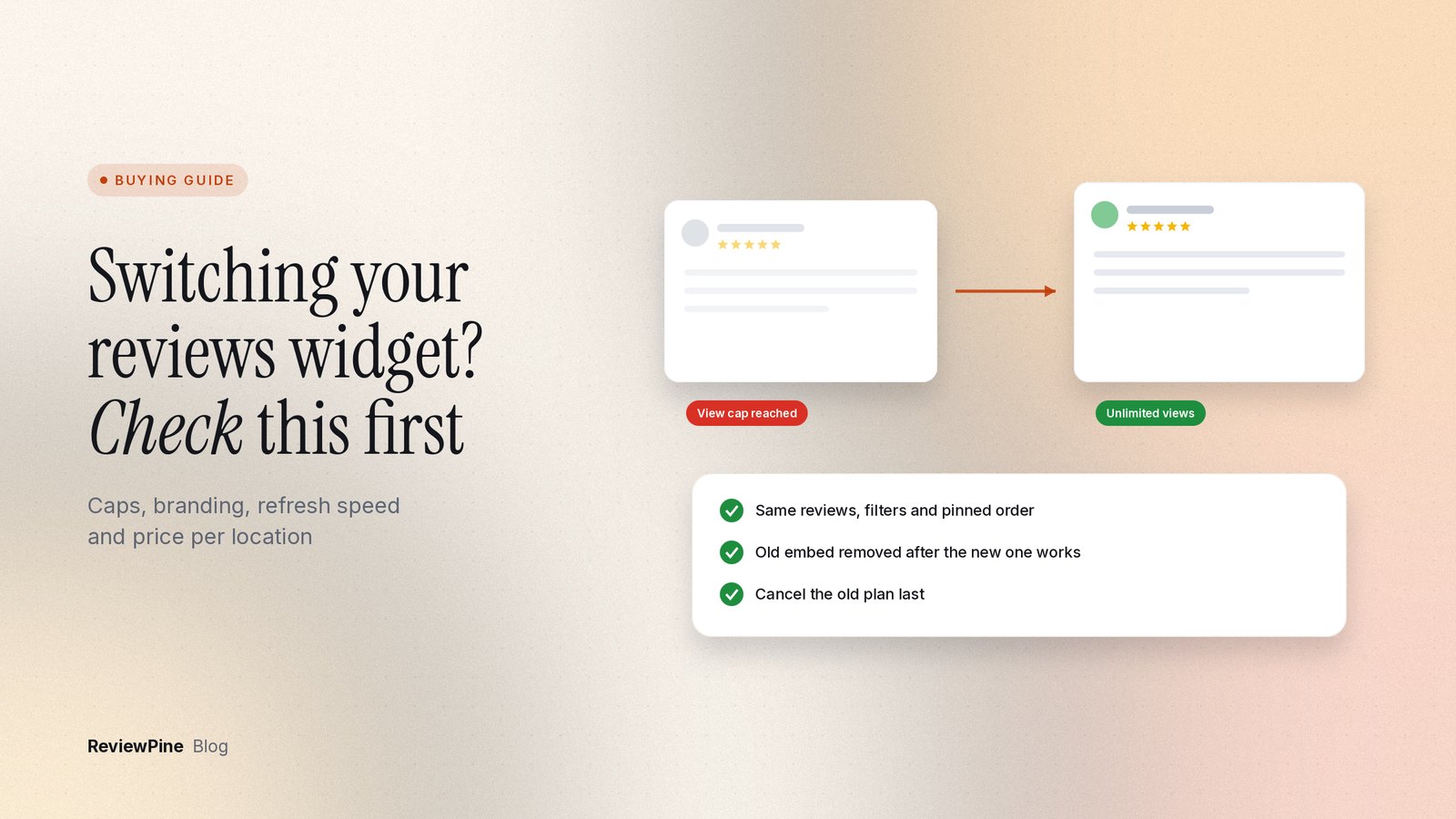
- Swap one page at a time. Paste the new code next to the old block, publish, check desktop and phone, then delete the old block and publish again.
- Remove the old plugin, app or site-wide script. A leftover script keeps loading on every page even when no widget shows.
- If you run a strict Content Security Policy, update it. For ReviewPine, allow
https://cdn.reviewpine.cominscript-srcandconnect-src, andhttps://www.gstatic.com https://www.google.com https://*.googleusercontent.cominimg-src. The widget adds inline<style>elements, sostyle-srchas to allow them. - Purge your caching plugin and CDN so visitors stop getting the old code.
- Update your privacy notice and cookie banner, and take the old tool out if it was listed. Our visitor privacy page says what our widget does and doesn't do.
- Cancel the old subscription last, once the new widget has been live for a few days. Note the renewal date so you don't pay for another period.
Sometimes the right move is to stay#
Switching costs something, even if it's only an afternoon, and there are cases where I'd tell you not to bother.
If you show reviews from several sources in one feed (Facebook, marketplaces, industry sites), stay. ReviewPine shows Google reviews only. The same goes if you rely on built-in review request campaigns by email or text: we don't run those, though we do have a free Google review QR code tool. If you reply to reviews from your widget tool's dashboard, we can't do that either; with us you'd reply in Google Business Profile.
Agencies and multi-location businesses should check two more things. A ReviewPine widget shows one business, so there's no merged feed across locations; you create one widget per location. And we don't offer a white-label dashboard, custom domains or client sub-accounts.
Finally, the boring reasons. If your one problem goes away with a plan change you can afford, and everything else works, change the plan. If you're early in a long prepaid term and the problem is minor, plan the move for renewal time.
Next step#
If your reason for switching is view caps, branding, slow updates or per-location pricing, compare plans on the pricing page and try layouts in the customizer playground. Then start the free trial and test it on your own site before you cancel anything. For how these tools work in general, see the Google reviews widget explainer.
Frequently asked questions
Will I lose my Google reviews if I switch widgets?
How long does switching a Google reviews widget take?
Can I run two review widgets on the same page while testing?
What should I do with the old plugin after switching?
Is a free Google reviews widget a good alternative?
Turn your Google reviews into your best salesperson
Show real Google reviews on any page of your website, with a "Review us on Google" button that brings in new ones. On paid plans, new reviews appear by themselves. Set up in about five minutes.
- Works on WordPress, Shopify, Wix and any site
- Paid plans update by themselves
- No cookies, loads after your page
Anjanee Shukla
Founder, Ainygo Technologies
Anjanee Shukla is the founder of Ainygo Technologies and has been working in the technology industry for over 15 years. He has helped businesses worldwide by developing more than 1,000 websites, web applications, and digital solutions. His expertise spans WordPress, web development, website maintenance, hosting, automation, and business technology. Through this blog, he shares practical advice, technical knowledge, and real-world solutions gained from years of hands-on experience.