Widget Suite vs Dedicated Google Reviews Widget: How to Decide
Widget suite vs dedicated Google reviews widget: how usage limits, design depth and real cost compare, when to move only your reviews, and who is better off keeping the suite.
On this page
Key takeaways
- Using several of the suite's widgets and never hitting a limit? Keep it.
- Find out whether views are counted per widget or across the account, and what happens at the cap.
- Reviews need their own settings: length filter, pinning, sort, attribution, a review button.
- Compare the tier you could drop to without the review widget against the dedicated tool's price.
- You can move just the reviews and leave forms and feeds in the suite.
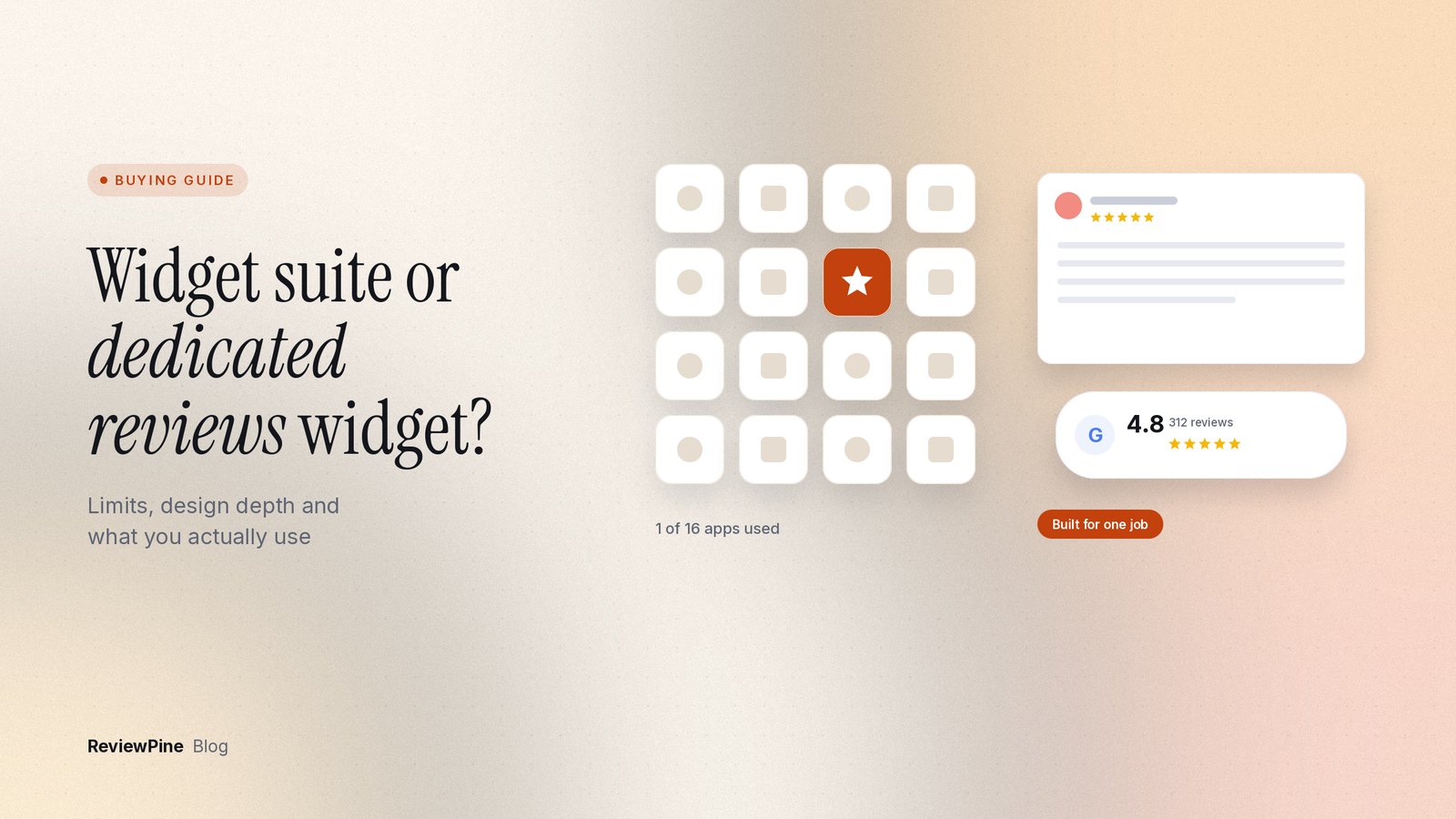
If you use a widget suite for five different things and reviews are one of them, I'd usually leave it alone. If Google reviews are the widget you care about most and the suite keeps getting in their way, with shared view limits, thin review settings or slow updates, move the reviews to a dedicated tool. That's my answer to the widget suite vs dedicated Google reviews widget question, and it doesn't have to be all or nothing. You can keep the suite for forms and feeds and move only the reviews.
We make ReviewPine, which is a dedicated Google reviews widget, so weigh what follows with that in mind and check it against your own site.
Two different products#
A multi-app widget suite is one account and one subscription that gets you dozens of widget types: contact forms, social feeds, chat buttons, pricing tables, countdown timers, pop-ups, and somewhere in the list, reviews. Plans are usually tiered by monthly views, number of widgets or number of sites, and the limits often apply across everything in the account.
A dedicated Google reviews widget does one job. It imports your public Google reviews, keeps them current and shows them in layouts built only for reviews. Every setting is about which reviews appear, how they look and how visitors get to your Google profile.
Neither is better in general. A suite is good value when you use its breadth, and a dedicated tool is good value when reviews are the part that matters to you.
Widget suite vs dedicated Google reviews widget, side by side#
| Multi-app widget suite | Dedicated Google reviews widget | |
|---|---|---|
| What you pay for | Access to many widget types | One kind of widget, done in depth |
| How plans are usually limited | Views, widget count or sites, often shared across all widgets | Varies: by business, location, widget or views |
| Review-specific settings | The common ones: layout, rating filter, colors | Usually more: length filters, pinning, sort order, review button text, attribution |
| Layouts for reviews | A handful of review templates among other widget types | Many review layouts (ReviewPine has 21) |
| How often reviews update | Depends on the plan, so check | Depends on the plan, so check |
| One login for everything | Yes | No, it's one more account |
| Best fit | Sites using three or more widget types | Sites where reviews are the main widget |
Limits decide most of these switches#
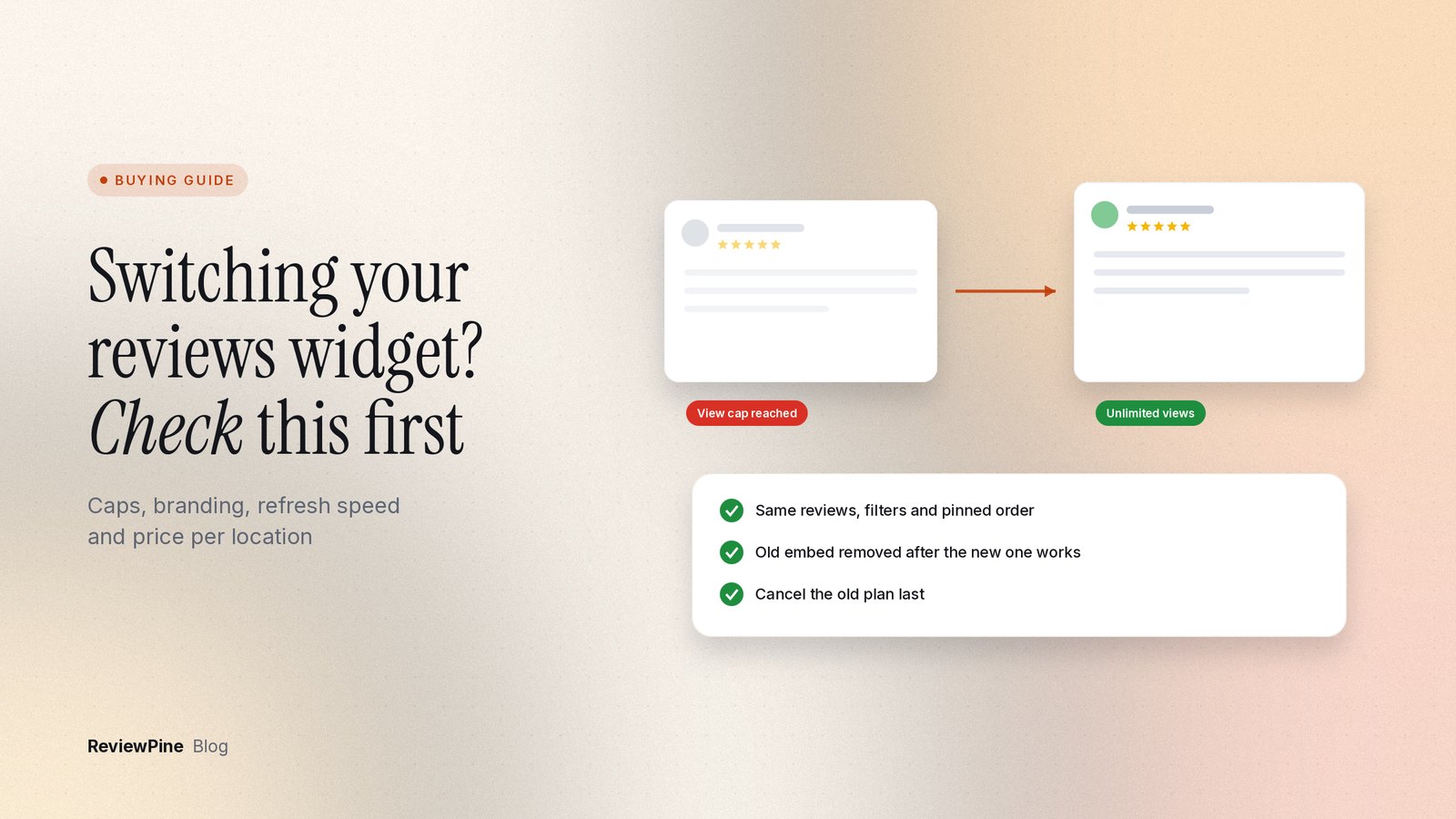
When someone moves reviews out of a suite, it's usually because they hit a limit they didn't know was there. Before you decide anything, get answers to these from your suite's plan page or its support team.
- Are views counted per widget or across the whole account? If your homepage review slider shares a monthly allowance with a chat button that loads on every page, the reviews can run out because of a widget you barely think about.
- What counts as a view? Some tools count every page load where the widget code runs, whether or not the visitor ever scrolls to it.
- What happens at the limit? The widget might hide, show a notice, or keep running while you get upgrade emails. Each one costs you something different on a busy day.
- Does each review layout use a widget slot? A homepage slider, a footer badge and a grid on the reviews page could be three slots.
- Does refresh speed depend on your tier?
For comparison, ReviewPine has unlimited views on every plan with no traffic caps and unlimited widgets per business (fair use). Paid plans add new reviews daily, with a manual refresh once a day, and the Free plan refreshes monthly. The article on Google reviews widget alternatives has a longer checklist you can run on any tool.
What a review section needs that a form doesn't#
A suite's editor has to cope with forms, feeds and timers as well as reviews, so the review settings tend to stop at the shared basics. That's fine until you want something specific. When I set up reviews on a page, this is what I end up reaching for.
Control over which reviews show: a minimum rating, a minimum review length so one-word reviews don't fill a slide, sort order (most recent, highest or lowest), a maximum count, and pinning the reviews that answer the doubts people actually have. ReviewPine pins up to 10; choosing which reviews show explains how.
Different layouts for different spots. A slider under the homepage headline, a compact badge in the footer, a grid with Load more on a reviews page, maybe a floating badge site-wide. The layouts guide shows each one, and where to put reviews on your website covers placement.
Signs the reviews are real: the Google logo, reviewer names, dates and a link back to Google so a visitor can check. Next to that, a "Review us on Google" button with text you can edit.
Accessibility and motion: arrows you can reach by keyboard, ratings read out as text, and auto-play that respects "reduce motion" and pauses on hover or focus.
And isolation from your theme. ReviewPine renders inside its own shadow DOM, so your site's CSS can't break the cards and ours can't leak into your page.
If your suite already handles all of that well, design isn't a reason to move.
Cost: compare the difference, not the whole bill#
Putting a suite's full price next to a reviews tool's price is misleading, because the suite is paying for your other widgets too. What you want is the difference the reviews make.
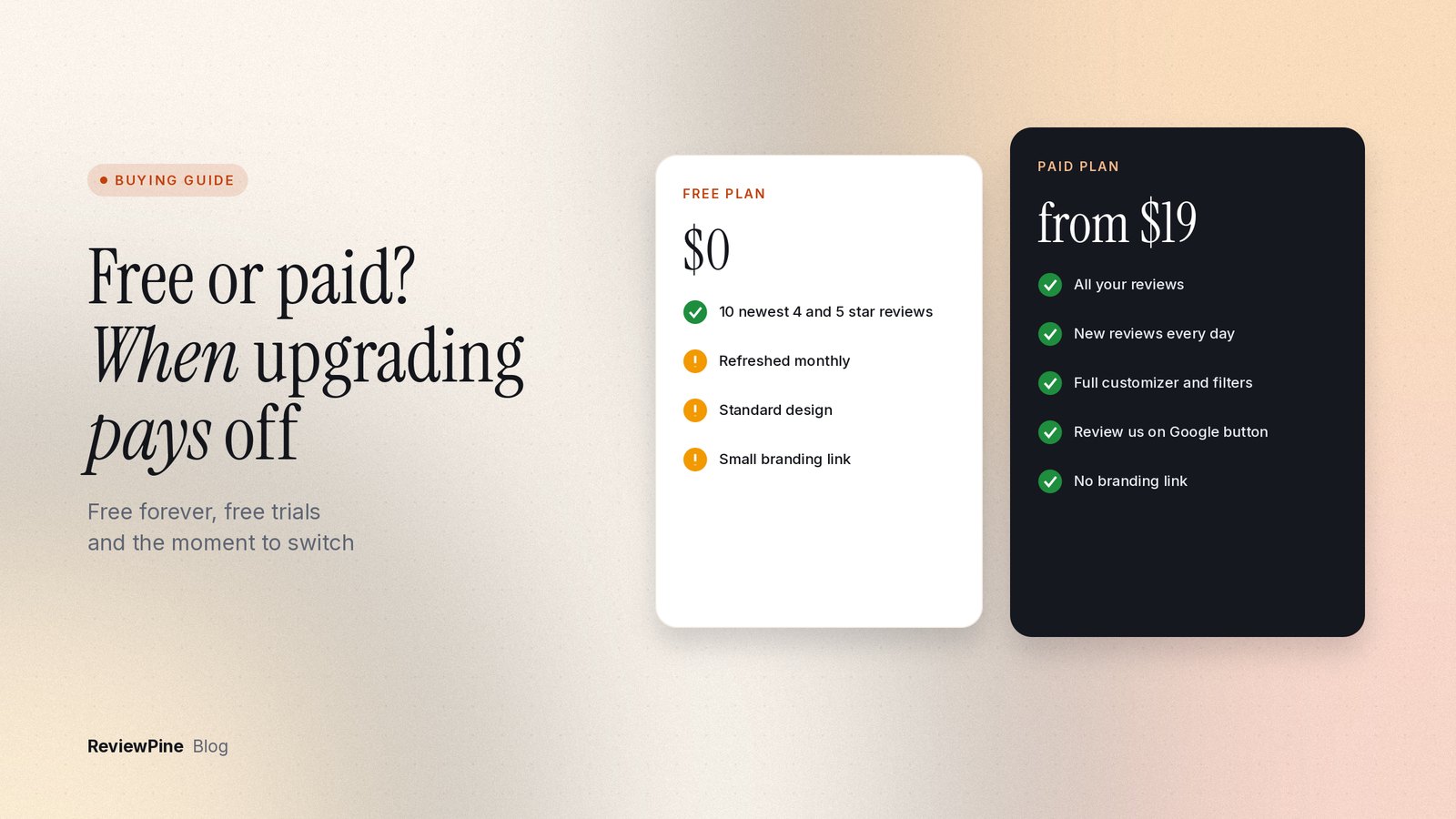
Ask whether you could drop to a lower suite tier if the review widget were gone. If reviews are what's eating your view allowance, you might, and that saving belongs in the comparison. Then price the dedicated tool for the number of businesses you have. ReviewPine is billed yearly by business: Starter $19 for 1 business, Growth $49 for up to 5, Agency $149 for up to 25, with every feature on every paid plan.
Say you run one business and dropping a suite tier would save you more than $19 a year. Moving the reviews saves you money outright. If the saving is smaller than that, you're paying a little extra for better reviews, and you can decide whether that's worth it to you. If the suite's review widget is the only one you use, it's even simpler, and free vs paid Google reviews widgets helps you work out which tier you need in the first place.
Moving only the reviews#
You can keep the suite for everything else.
Start by listing every page where the suite's review widget appears, including any site-wide badge in the header or footer code, and note the settings you use: layout, rating filter, sort, heading text, colors. Create the new widgets and paste the code on a draft page first, then check it on a phone.
When you replace the old one, take out only the review widget's own embed or element. Some suites install a single site-wide loader script that powers every widget, and if you still use their other widgets, that loader has to stay. Multiple widgets on one page explains how ours behave next to other code.
Then look at your suite plan again. With the review widget gone, a lower tier may cover what's left. And if the review widget was the only part of the suite that set cookies, update your privacy notice. ReviewPine's widget sets no cookies and uses no browser storage.
When I'd keep the suite, reviews included#
If you use three or more of its widget types and reviews never push you over a limit, there's not much to gain. Same if one login and one invoice for every widget on every client site matters more to you than review depth.
There are also things a dedicated Google tool like ours won't do. If you show reviews from several sources that the suite supports, keep it, because ReviewPine shows Google reviews only. If you need one merged feed across many locations, a ReviewPine widget shows one business and you'd create one per location. And we don't offer white labelling, custom domains or team roles.
The last case is the most common one I come across: the review widget already looks right, updates often enough and has never hit a limit. Then there's nothing to fix.
Next step#
If reviews are the widget you care most about, look through every layout in the widget gallery, compare plans on the pricing page, and start the 7-day free trial to run a ReviewPine widget next to your suite's on a draft page. To weigh any review widget, ours included, use the buyer's scorecard.
Frequently asked questions
Can I keep my widget suite and use a different tool just for Google reviews?
Why does my review widget stop showing near the end of the month?
Is a dedicated Google reviews widget always cheaper than a suite?
Does a dedicated widget show more reviews than a suite?
Turn your Google reviews into your best salesperson
Show real Google reviews on any page of your website, with a "Review us on Google" button that brings in new ones. On paid plans, new reviews appear by themselves. Set up in about five minutes.
- Works on WordPress, Shopify, Wix and any site
- Paid plans update by themselves
- No cookies, loads after your page
Anjanee Shukla
Founder, Ainygo Technologies
Anjanee Shukla is the founder of Ainygo Technologies and has been working in the technology industry for over 15 years. He has helped businesses worldwide by developing more than 1,000 websites, web applications, and digital solutions. His expertise spans WordPress, web development, website maintenance, hosting, automation, and business technology. Through this blog, he shares practical advice, technical knowledge, and real-world solutions gained from years of hands-on experience.